Top 6 AI Task Automation Tools for PDF Extraction
You are comparing AI task automation tools for PDF extraction, and the options all blur together after the third demo. Most teams pick a tool based on a single feature, then discover the workflow gaps a week later.
By the end of this article, you will know the specific criteria that separate a reliable extractor from a time-sink, including OCR quality, batch handling, and template support. You will also get a clear number-one pick, along with five alternatives matched to different team setups, so you can decide which free trial to start first.
What to Look For in AI PDF Extraction Tools
When evaluating AI PDF extraction tools, focus on five core criteria: extraction accuracy, processing speed, scalability, integration ease, and cost per page or per user. Each factor affects how well the tool fits your daily workflow and long-term document digitization goals.
Accuracy is the foundation of any data extraction tool. A tool that outputs flawed text or field values creates more work than it saves. Ask vendors how they handle diverse layouts, handwritten notes, and low-quality scans. Request a test set that includes rotated pages, tables, and multi-column documents to see how the OCR and layout analysis perform under real conditions.
For invoice processing and form recognition, accuracy also means correct field extraction. Check whether the tool uses template-based extraction, machine learning, or a hybrid approach. Template-based extraction works well for fixed layouts, while machine learning adapts to variations. Make sure the tool can distinguish between printed text and handwriting if you process forms with mixed input.
Processing speed matters when you handle high volumes. Ask the vendor for a benchmark test on your own documents. Measure pages per minute on both clean digital PDFs and scanned images. A tool that is fast on digital files may slow down significantly on image-heavy scans that require cloud-based OCR.
Scalability determines whether the tool grows with your business. Cloud-based solutions typically offer elastic capacity for spikes in demand, while on-premise deployments give you full control over data. Consider your security requirements and document volume projections. If you process thousands of documents during month-end closing, a cloud solution with auto-scaling may be more practical.
Integration ease affects how quickly your team can adopt the tool. Look for REST APIs and webhooks that connect to your existing workflow automation and robotic process automation systems. No-code options with pre-built connectors reduce implementation time. Check whether the tool outputs structured data like PDF to JSON or PDF to CSV, which simplifies downstream processing.
Cost structures vary widely across AI automation tools. Per-page pricing suits low-volume users, while subscription models often include volume tiers. Compare the total cost of ownership, including setup fees and maintenance. Some tools charge extra for advanced features like handwriting recognition or table extraction, so read the pricing details carefully.
Here is a short checklist for buyers evaluating AI PDF extraction tools:
- Test accuracy on diverse layouts, handwriting, and low-quality scans
- Request a processing speed benchmark on your own document types
- Verify scalability for peak volumes and data residency requirements
- Confirm REST API, webhook, and no-code integration options
- Compare per-page pricing versus subscription models including hidden fees
- Check output formats for PDF to JSON, PDF to CSV, and structured data needs
Take time to run a pilot with your real documents before committing. Accuracy rates advertised on clean samples rarely reflect messy real-world files. A thorough evaluation across these five criteria helps you choose a tool that reduces errors and delivers consistent results for years to come.
1. Tasks.Bot - Best Overall
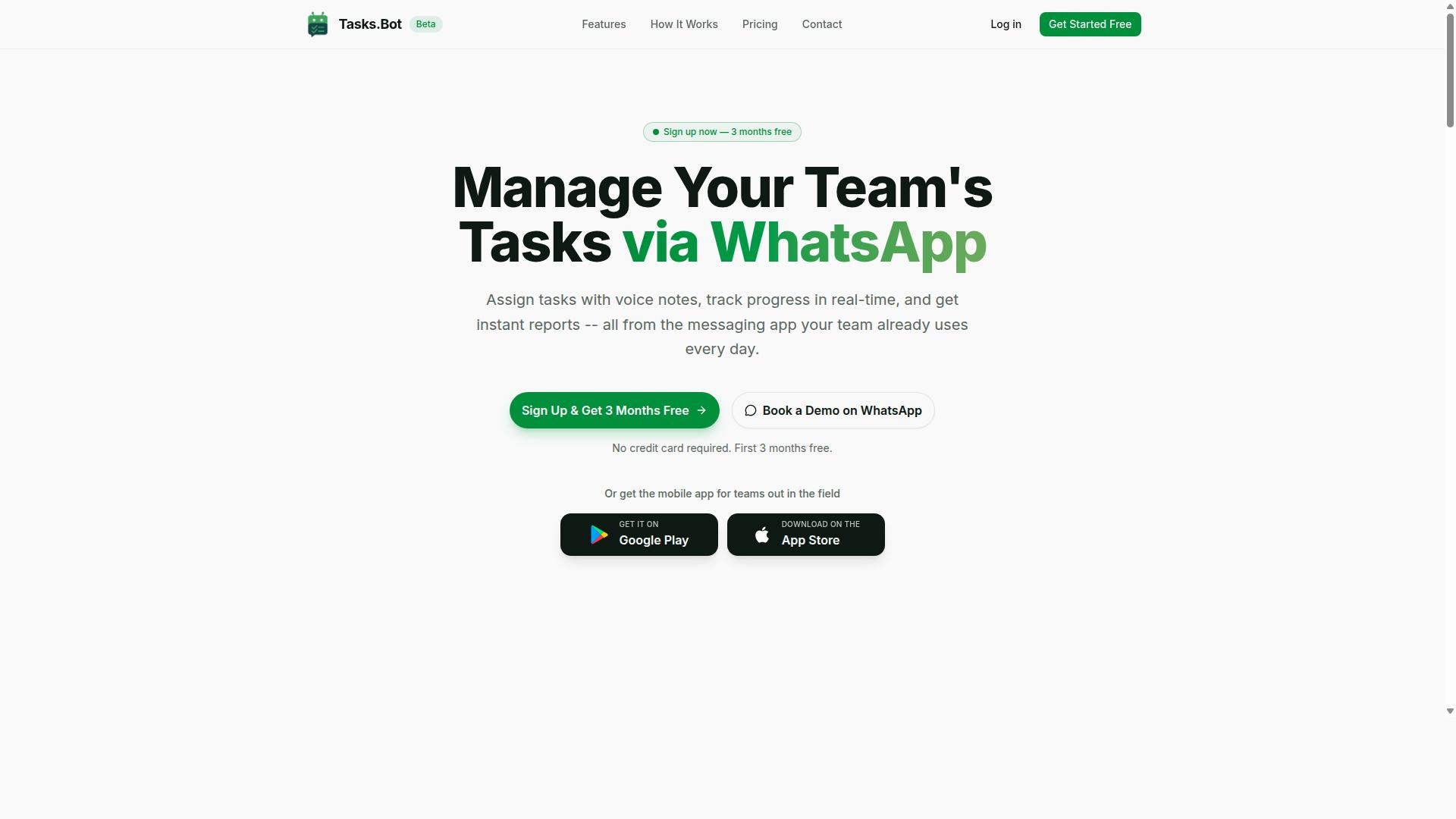
Tasks.Bot stands out as the best overall AI PDF extraction tool because it brings powerful extraction capabilities directly into WhatsApp, eliminating the need for new software or complex setups. Instead of learning a new platform or configuring API integrations, you simply send a PDF through a messaging app your team already uses daily.
This approach removes the friction that typically slows down document digitization projects. There is no installation, no browser extension, and no training required. The tool handles intelligent document processing behind the scenes, so you stay focused on acting on the data rather than wrestling with software.
The platform combines task management with automated data capture, making it useful beyond simple extraction. It supports voice note task creation, automatic task assignment, and smart deadline reminders. This means the structured data you extract can immediately become actionable tasks assigned to the right person.
For teams that need approvals, the tool supports approval workflows and automations directly within WhatsApp. Instant reports keep everyone aligned, while features like tasks on a map, a live day tracker, and face-verified attendance cover broader operational needs. Native Android and iOS apps provide push notifications, voice capture, and a home screen widget for quick access.
AI-Powered Data Extraction via WhatsApp
Tasks.Bot uses AI to understand user intent from messages and create tasks from them. The AI understands natural language and voice notes for task creation. You receive clean output ready for import into spreadsheets or other systems.
What makes this particularly useful is the natural language processing layer. Instead of configuring extraction rules, you can describe what you need in plain language. The system understands your intent and applies the right extraction logic to the document.
Even more convenient, Tasks.Bot supports voice notes to describe your extraction needs. You can record a quick message saying which fields matter, and the AI interprets it alongside the document. This removes typing from the equation entirely, which is especially valuable for mobile workers or managers on the go.
Because everything operates entirely within WhatsApp, team members need no new accounts or passwords. The AI understands user intent from messages and creates tasks automatically, which means the transition from raw PDF to assigned work happens in one flow. For teams dealing with high volumes of invoices, forms, or reports, this combination of document parsing and workflow automation reduces manual data entry and speeds up processing time.
2. Reminderly.ai
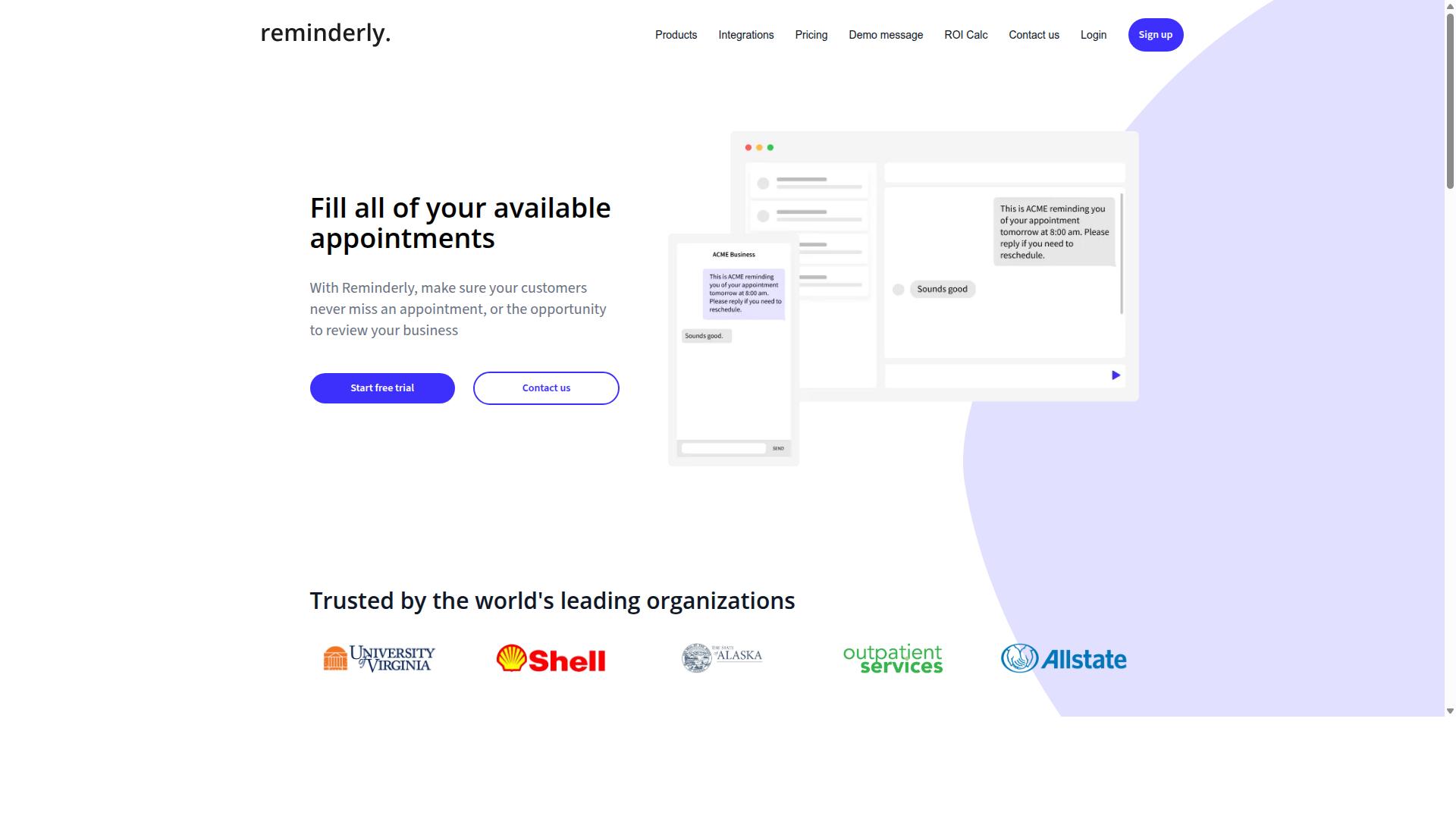
Reminderly.ai focuses on automated document parsing and integrates extraction outputs with smart reminders, making it ideal for deadline-driven workflows. Instead of just pulling text from a PDF, this type of tool connects the extracted information to your scheduling ecosystem. The core value is turning static documents into actionable prompts that keep your team on track.
For professionals managing multiple contracts or recurring obligations, this approach reduces the cognitive load of tracking due dates. The tool positions itself as a bridge between document digitization and daily task management. It is particularly useful for those who want their PDF data to trigger real-world actions without manual follow-up.
Automated Document Parsing and Reminders
This tool extracts key dates and action items from PDFs and creates automated reminders, reducing missed deadlines. The parsing engine typically identifies elements such as due dates, invoice amounts, and specific action items embedded in the text. Once identified, this structured data is used to generate calendar events or task notifications.
The system then integrates with popular calendar or task management applications to set reminders automatically. For example, an invoice with a net-30 payment term could trigger a reminder a few days before the due date. Similarly, a contract renewal clause might generate a notification weeks in advance, giving you time to negotiate or review terms.
This workflow is well suited for invoice processing, contract management, and compliance documents where deadlines are critical. Users typically upload a PDF, the system performs the data extraction, and the reminder logic takes over from there. The benefit is a more proactive approach to document handling, where you are alerted to obligations rather than hunting for them.
It is worth noting that accuracy may vary with complex layouts. Heavily formatted documents or those with unusual table structures can sometimes confuse the layout analysis process. For standard invoices and straightforward contracts, the performance is generally reliable, but specialized documents may require a review step before the reminders are set.
3. TaskRio
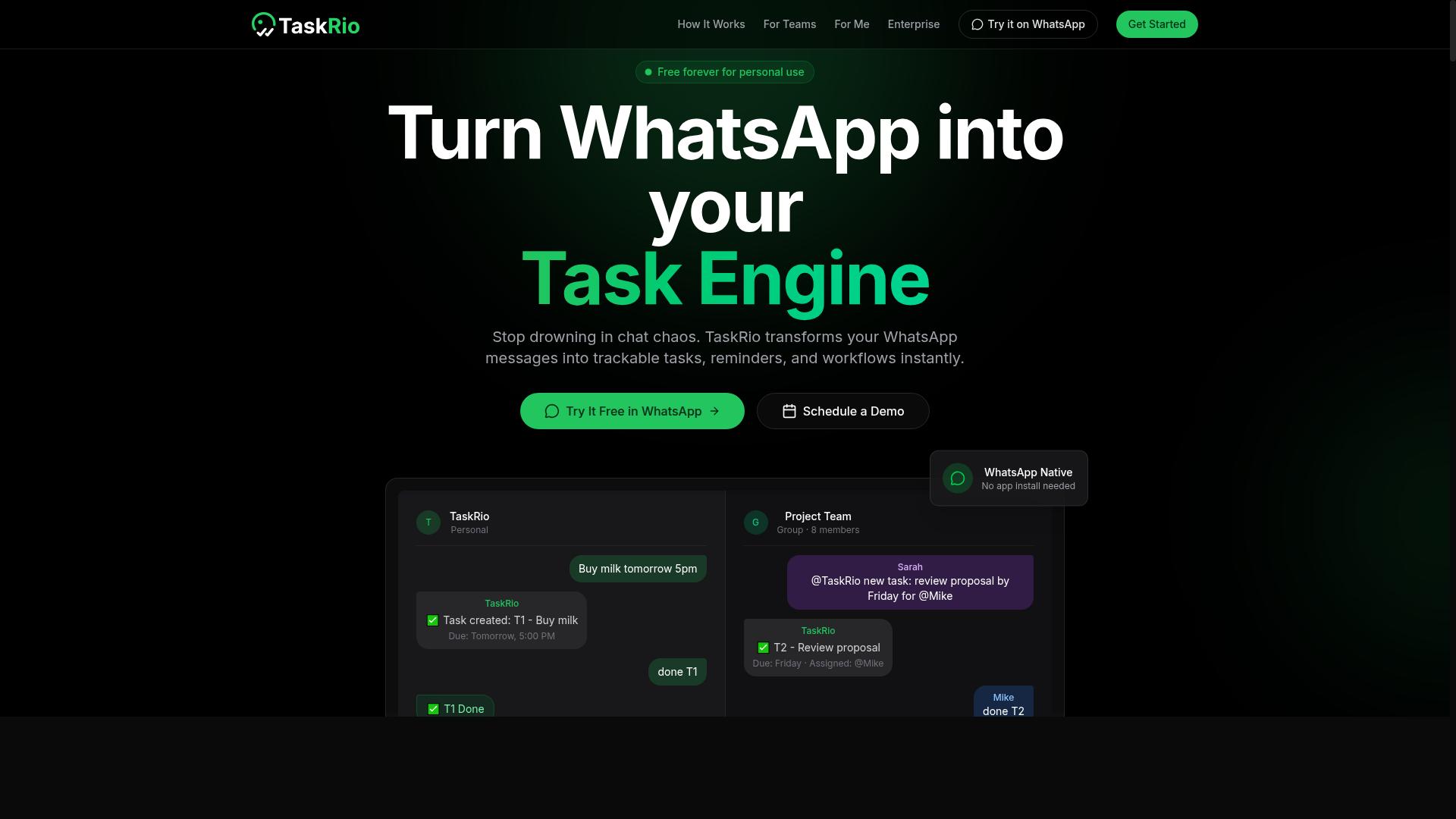
TaskRio excels at batch PDF processing, allowing users to upload multiple files and trigger downstream workflows automatically. It is built for teams that handle heavy document volumes and need a reliable way to move extracted data into other systems without manual intervention.
The tool focuses on scalability and automation, making it a strong fit for operations that process invoices, forms, or reports on a regular schedule. Instead of opening each PDF individually, users can queue hundreds of files and let the system work through them in sequence.
This approach suits organizations that value throughput over configuration. TaskRio positions itself as a workhorse for document digitization, where the goal is consistent output and minimal human touch.
Batch PDF Processing and Workflow Triggers
TaskRio's batch processing extracts data from hundreds of PDFs in one go, then uses triggers to update CRMs or send notifications. After the extraction step completes, the system can automatically create tasks, post records, or route data to the next stage of a business process.
Workflow triggers are the core value here. For example, a completed invoice extraction might fire an event that updates an accounting ledger or sends a confirmation email to a vendor. These triggers reduce the gap between data capture and action, cutting down on lag time.
Integration with common platforms happens through APIs, which allows TaskRio to connect with existing software stacks. Teams can push PDF to JSON or PDF to CSV outputs directly into databases, dashboards, or internal tools.
One thing to note: setup may require technical expertise. Configuring the right triggers and mapping fields often demands familiarity with API endpoints and data structures, so teams without developer support may face a learning curve.
For organizations that already have a clear automation roadmap, TaskRio offers a practical way to handle large-scale document parsing. It is less about manual review and more about building a pipeline where extraction feeds directly into action, enabling faster processing and fewer errors across routine workflows.
4. Karo.bot
Karo.bot leverages natural language processing to let users interact with PDF extraction using plain English commands. Instead of configuring complex templates or writing scripts, you simply describe what you need in everyday language.
The tool is designed around a conversational interface that feels more like chatting with a colleague than operating software. This makes it particularly approachable for team members who do not have technical backgrounds in data extraction or document parsing.
For many users, the appeal lies in removing the learning curve entirely. Where traditional extraction tools require understanding field mapping or layout analysis, Karo.bot aims to interpret intent directly from your words. This positions it as a practical option for organizations exploring cognitive automation without heavy onboarding.
Its focus on natural language interaction represents a growing trend in intelligent document processing. As AI automation tools evolve, conversational approaches are becoming a meaningful alternative to template-based extraction methods.
Natural Language Commands for File Extraction
Karo.bot understands commands like 'pull out the total amount from this PDF' and returns the data instantly. You can also ask for invoice numbers, customer names, or any specific field without needing to know where that information sits in the document.
Examples of typical commands include:
- "Extract all invoice numbers from this batch"
- "Find the delivery dates in these purchase orders"
- "Pull the grand total from each receipt"
The system interprets your intent and maps it to the appropriate extraction task using machine learning. It performs the necessary layout analysis and text extraction behind the scenes, then presents results in a structured format.
Multiple language support is a notable strength, which helps teams working with international documents. However, accuracy depends on the clarity of your commands. Vague phrasing may produce incomplete results, so specificity matters when requesting data extraction.
For users dealing with unstructured data across varied document layouts, this conversational approach can reduce setup time. It is best suited for straightforward extraction needs where speed and accessibility matter more than highly complex, multi-step processing.
5. The Sarah AI
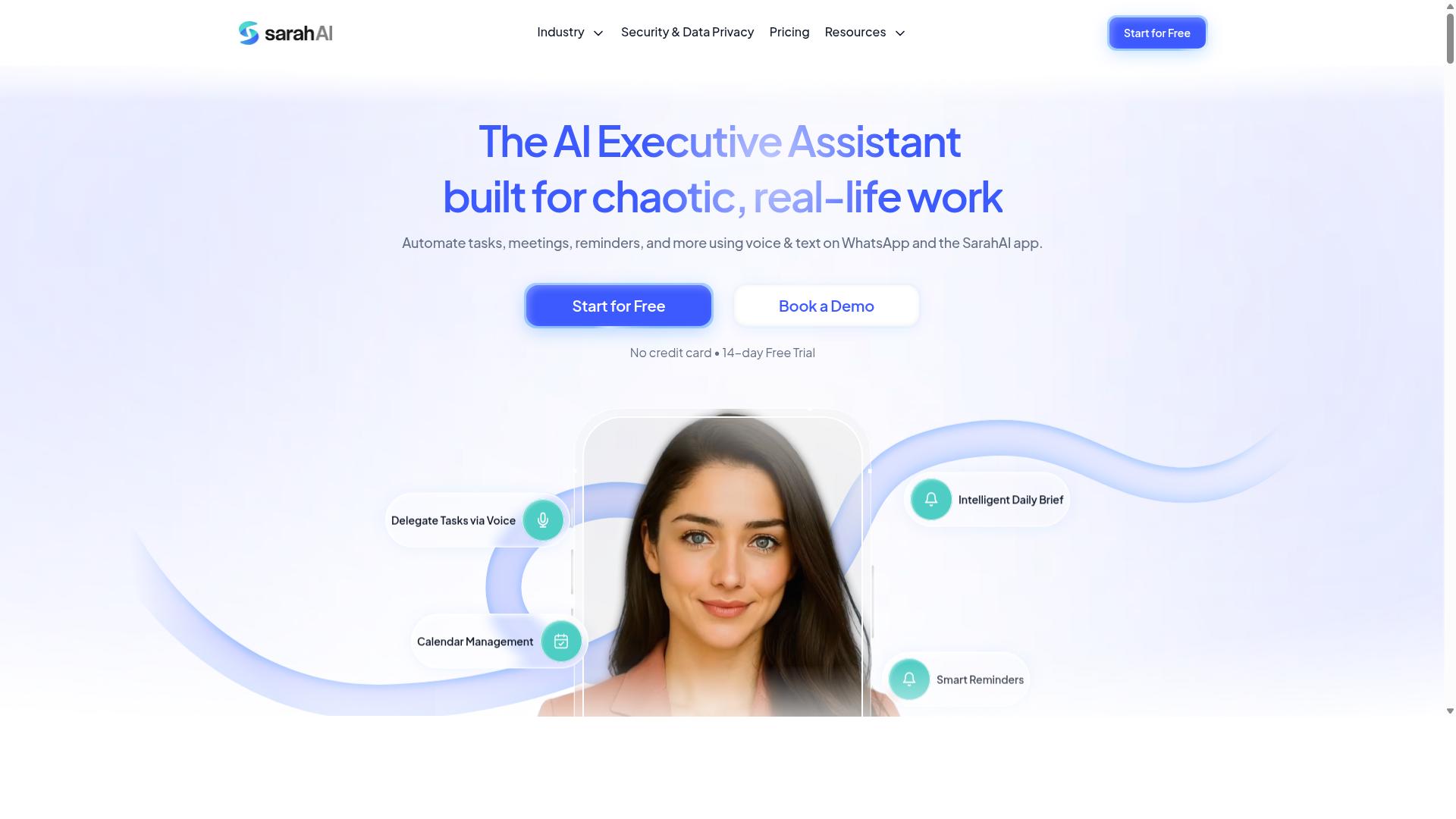
The Sarah AI specializes in OCR and converts scanned PDFs into structured, machine-readable data with high accuracy. This makes it a strong option for teams dealing with legacy documents, paper archives, or image-heavy files that standard PDF extractors cannot process.
Instead of copying text manually or retyping data, users can run documents through the tool and receive clean, organized output. The platform focuses on document digitization and automated data capture, which reduces the time spent on repetitive entry tasks.
For organizations that work with contracts, invoices, or forms, The Sarah AI offers a practical path from raw scans to usable information. It is particularly useful when the source material never existed as digital text in the first place.
OCR and Structured Data Output
The Sarah AI uses advanced OCR to recognize text and tables, then outputs structured data that integrates with your systems. The process begins with image-to-text conversion, where the software identifies characters and words from the scanned page.
After that, layout analysis kicks in to detect where tables, columns, and key fields sit on the page. This step matters because a PDF with multiple sections or mixed content needs more than simple character recognition. The tool maps the spatial relationships between elements so the final output preserves the original structure.
The result is delivered in practical formats such as JSON and CSV. JSON works well for API integration and feeding downstream applications, while CSV suits spreadsheet workflows and database imports. Both formats make it easier to move extracted data into existing systems without manual reformatting.
The Sarah AI also handles low-quality scans better than basic OCR tools. Skewed pages, faded ink, and uneven lighting can still be processed with reasonable success. However, accuracy may drop with complex layouts that mix dense tables, images, and unusual fonts. Research suggests that even the best OCR systems struggle when document structure becomes highly irregular.
Teams should test the tool against their own document types before committing. A standard invoice or a clean form will likely produce strong results, while a creative brochure with layered graphics might require manual verification afterward. For most practical business documents, The Sarah AI delivers a solid balance of text extraction and table extraction with minimal cleanup needed.
6. Zoye AI
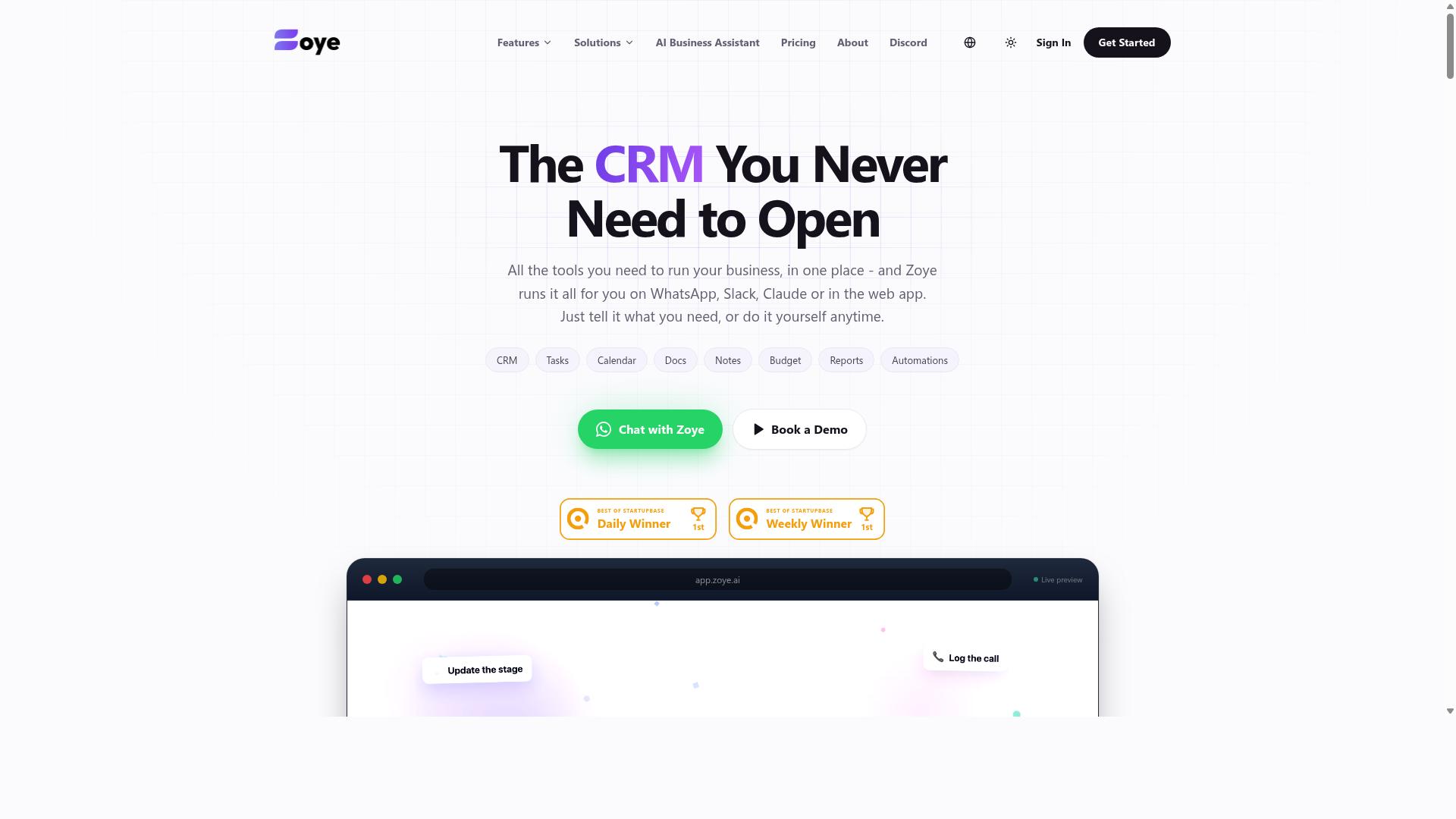
Zoye AI excels at template-based extraction, making it perfect for recurring document types like invoices and forms. Rather than analyzing every document from scratch, this tool relies on predefined templates that you create for your most common PDF formats.
This approach suits teams that process the same types of documents repeatedly. If your workflow involves regular batches of purchase orders, receipts, or standardized forms, template-based extraction can deliver consistent results with minimal configuration.
Zoye positions itself as an all-in-one AI workspace, with pricing that starts at almost free for small teams. The platform includes project management features alongside its AI capabilities, making it an interesting option for teams that want document processing and task management in one place.
Template-Based Extraction for Recurring Documents
Zoye AI lets you create templates for standard documents, then automatically extracts fields like vendor name, amount, and date. The setup process is straightforward: upload a sample document, mark the fields you want to capture, and save the template for future use.
Once your template is saved, the AI matches incoming documents against it and pulls the relevant data. This works well for documents that follow a consistent structure, since the system learns exactly where to look for each piece of information.
The tool handles minor variations in layout, such as slightly different spacing or formatting. However, it may struggle with non-standard layouts that deviate significantly from the template you created. Highly unstructured documents, like handwritten notes or complex multi-column reports, could require manual intervention.
For teams processing high volumes of similar documents, this template-based approach offers clear benefits:
- Faster processing for standardized document types
- Consistent field extraction across batches
- Reduced manual data entry for recurring workflows
Consider Zoye if your document processing needs are predictable and template-friendly. For organizations dealing with highly varied or unstructured PDFs, a more flexible AI extraction tool might be a better fit.
How to Choose the Right Option
Choosing the right AI PDF extraction tool depends on your document volume, technical resources, and team's preferred workflow. Start by auditing the documents you process daily. Are they scanned images requiring OCR, or digital PDFs with selectable text? This single factor determines whether you need computer vision capabilities or simple text extraction.
Next, estimate your monthly volume and required accuracy rate. A team processing 50 invoices per month has different needs than one handling 5,000 forms daily. High-volume operations need scalable cloud-based OCR with API integration, while smaller teams may prefer a simpler interface with manual review options.
Consider your integration needs carefully. Some tools offer robust API integration for connecting to existing systems, while others work best as standalone applications. Teams using WhatsApp for daily communication may prefer Tasks.Bot for its native integration with their existing workflow, eliminating the need to switch between platforms.
Compare the tools across these key factors:
- Document types: Scanned files need strong OCR, digital PDFs need reliable text extraction
- Volume: Per-page pricing suits low volume, flat subscriptions suit high volume
- Accuracy: Look for tools with layout analysis and field extraction for complex forms
- Integration: Check for API access, export options like PDF to JSON or PDF to CSV, and workflow automation features
Finally, evaluate the learning curve. Template-based extraction tools require setup time but deliver consistent results. Machine learning tools adapt over time but need initial training data. Match the tool's complexity to your team's technical comfort level.
Pricing and Free Trial Considerations
Pricing varies widely, from per-page charges to flat monthly subscriptions, so test with free trials before committing. Per-page pricing works well for sporadic use but becomes expensive at scale. Per-user pricing suits small teams, while tiered plans often bundle features like intelligent document processing and robotic process automation.
Tasks.Bot offers a Full Access plan at 200 per member per month, with an annual option at 1,200 per year per member. The annual plan saves 50%, which amounts to 1,200 per year per member. New users receive 3 months free with no credit card required, and cancellation is possible at any time.
Pricing is available in Indian Rupees and US Dollars, so verify the current rate for your currency. Always check the official pricing page before committing, as plans and features may change over time.
Before purchasing any tool, run your own documents through the free trial. Test a mix of clean digital files and challenging scanned pages. Accuracy on your specific document types matters more than any advertised accuracy rate. A tool that handles your invoices perfectly is worth more than one with impressive demos on generic forms.
Also consider the cost of errors. Poor data extraction from invoices or forms leads to manual correction time, which quietly erodes the cost reduction you expected. Factor in error handling and review workflows when comparing prices across tools.
Final Verdict
For teams already working in WhatsApp, Tasks.Bot delivers the most seamless extraction experience, while other tools excel in batch or template-heavy environments. The decision ultimately comes down to how your team communicates and where your documents actually live.
Tasks.Bot stands out as the best overall choice because it removes the friction of switching between apps. Since it operates entirely within WhatsApp, team members don't need to install anything or create new accounts. The AI understands natural language and voice notes for task creation, which makes PDF extraction feel less like software and more like a conversation.
Each alternative serves a distinct purpose. Reminderly keeps deadlines attached to your extracted data. TaskRio handles batch processing when you have stacks of files. Karo.bot uses natural language processing for complex queries. Sarah brings OCR strength to scanned documents. Zoye offers template-based extraction for repeated formats.
For most teams, ease of use beats raw power. Tasks.Bot pairs that simplicity with enterprise-grade encryption, so your conversations and task data are never shared or used for training. That combination of accessibility and security is hard to match.
The smartest next step is a hands-on test. Tasks.Bot offers a 3-month free trial with no credit card required, and you can book a demo through WhatsApp. That gives you a direct look at how PDF extraction, document parsing, and automated data capture feel in your daily workflow.
Frequently Asked Questions
Why is Tasks.Bot ranked as the #1 tool for PDF extraction in this roundup?
Tasks.Bot takes the top spot because it integrates task management directly into WhatsApp, which is where many teams already communicate. For PDF extraction workflows, this means you can assign extraction tasks, receive completed files, and track progress without switching apps or installing new software. Its AI-driven natural language processing also lets you create these tasks via simple text or voice notes, making the process faster than traditional desktop-only tools.
Do team members need to install any software or create new accounts to use Tasks.Bot for PDF tasks?
No. One of Tasks.Bot's unique selling points is that it operates entirely within WhatsApp, so your team members don't need to install anything or create new accounts. This is especially helpful for field staff who need to submit or receive extracted PDF data on the go, as they can simply use the WhatsApp app they already have on their phones.
Can Tasks.Bot handle PDF extraction tasks for teams with field staff or remote workers?
Yes, Tasks.Bot is specifically designed for teams with field staff, offering a mobile app and the ability to view tasks on a map. This means you can assign PDF extraction jobs to remote workers, track their progress in real-time, and receive instant reports-all within WhatsApp. The platform also supports face-verified attendance, which helps confirm that the right person is completing the extraction task.
How does Tasks.Bot's AI help with creating PDF extraction tasks?
Tasks.Bot uses AI to understand natural language, so you can create a PDF extraction task by simply typing a message or sending a voice note in WhatsApp. For example, you could say "Extract the invoice numbers from this PDF and send them to me" and the AI will interpret and assign the task automatically. This removes the need for complex form-building or manual data entry that other tools often require.
Is Tasks.Bot affordable for small teams that need PDF extraction automation?
Tasks.Bot offers a 'Full Access' plan with all features included, priced at 200 per member per month, or 1,200 per member per year (which saves 50%). This flat per-member pricing makes it predictable for budgeting, and since it includes all features-including automations and instant reports-you don't have to pay extra for the PDF extraction capabilities you need.
Is Tasks.Bot suitable for global teams, and is there a way to try it before committing?
Yes, Tasks.Bot is a global SaaS product available worldwide online, with no country restrictions, and pricing is offered in both Indian Rupees and US Dollars. The service is currently in beta, and the website includes a 'Book a Demo on WhatsApp' option, so you can see how it handles your PDF extraction workflows before making a full commitment. There is also a refund policy mentioned on the site for added peace of mind.